

Best Job Search Tools in 2025 for the US Market (That Most People Don’t Know About)
Finding a job in the US job market has never been tougher. According to the Bureau of Labor Statistics, over 5 million people are actively job hunting each month - and for every open role, recruiters are sifting through hundreds of applications.No wonder it feels like sending out resumes can turn into a black hole.
The truth is: sticking to the same old platforms like LinkedIn or Indeed won’t cut it anymore. If you want to land interviews in 2025, you need the right job search tools - ones that help you beat the bots, stand out to recruiters, and actually get noticed.
The good news? There are a bunch of game-changing tools designed to do exactly that - from resume optimizers and video CV platforms to niche job boards and AI-powered interview prep.
In this guide, we’ll break down the best US-focused job search tools most people don’t even know about yet. By the end, you’ll have a toolkit that makes the job search less stressful - and gives you a real shot at standing out.
👉 Let’s dive in.
Top Job Search Tools for Creating a Great Resume
1.Jobscan
One of the biggest frustrations in the job search is sending out resumes and never hearing back. Often, it’s not you - it’s the ATS. Applicant Tracking Systems scan your resume against the job description and filter out candidates who don’t match closely enough.
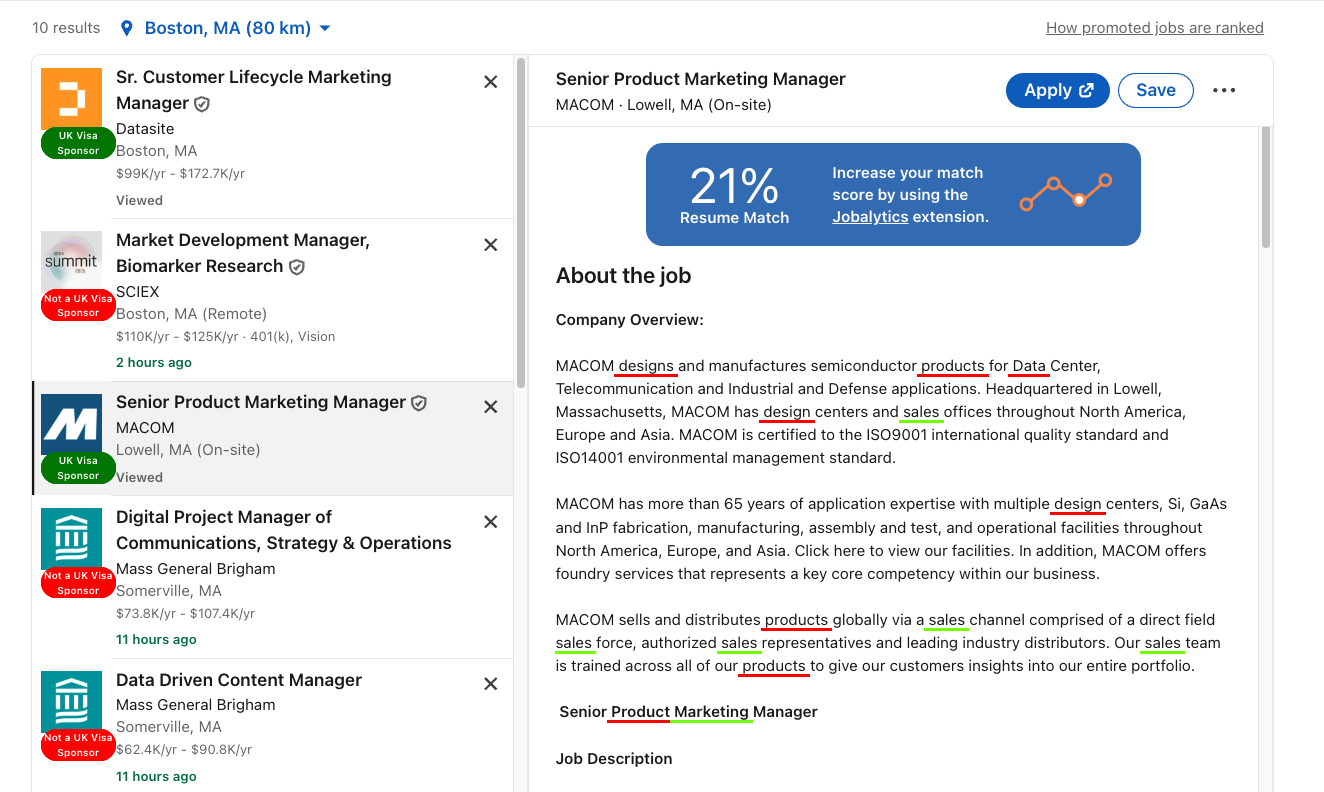
Jobscan takes the guesswork out by showing you exactly how well your resume matches a posting. You can paste in your resume + job description, and it gives you a match rate with clear tips on what to fix. Even better, Jobscan’s Chrome extension integrates directly with job boards like LinkedIn and Indeed, so you can instantly see how well your resume stacks up against a live job description - without jumping between tabs.
Strengths
Tailors your resume to each job posting for higher ATS scores.
Provides keyword insights recruiters actually look for.
Increases chances of your resume reaching a human recruiter.
Limitations
The free plan is limited; full functionality requires a subscription.
Can feel overwhelming if you’re new to resume writing.
Doesn’t improve resume design or storytelling - it’s keyword-focused.
Website: https://www.jobscan.co/
2.Reslink
While a written resume can help you pass ATS filters, it often fails to capture who you are as a professional. More companies are already experimenting with video in their hiring process - and with Reslink, you can stay one step ahead.
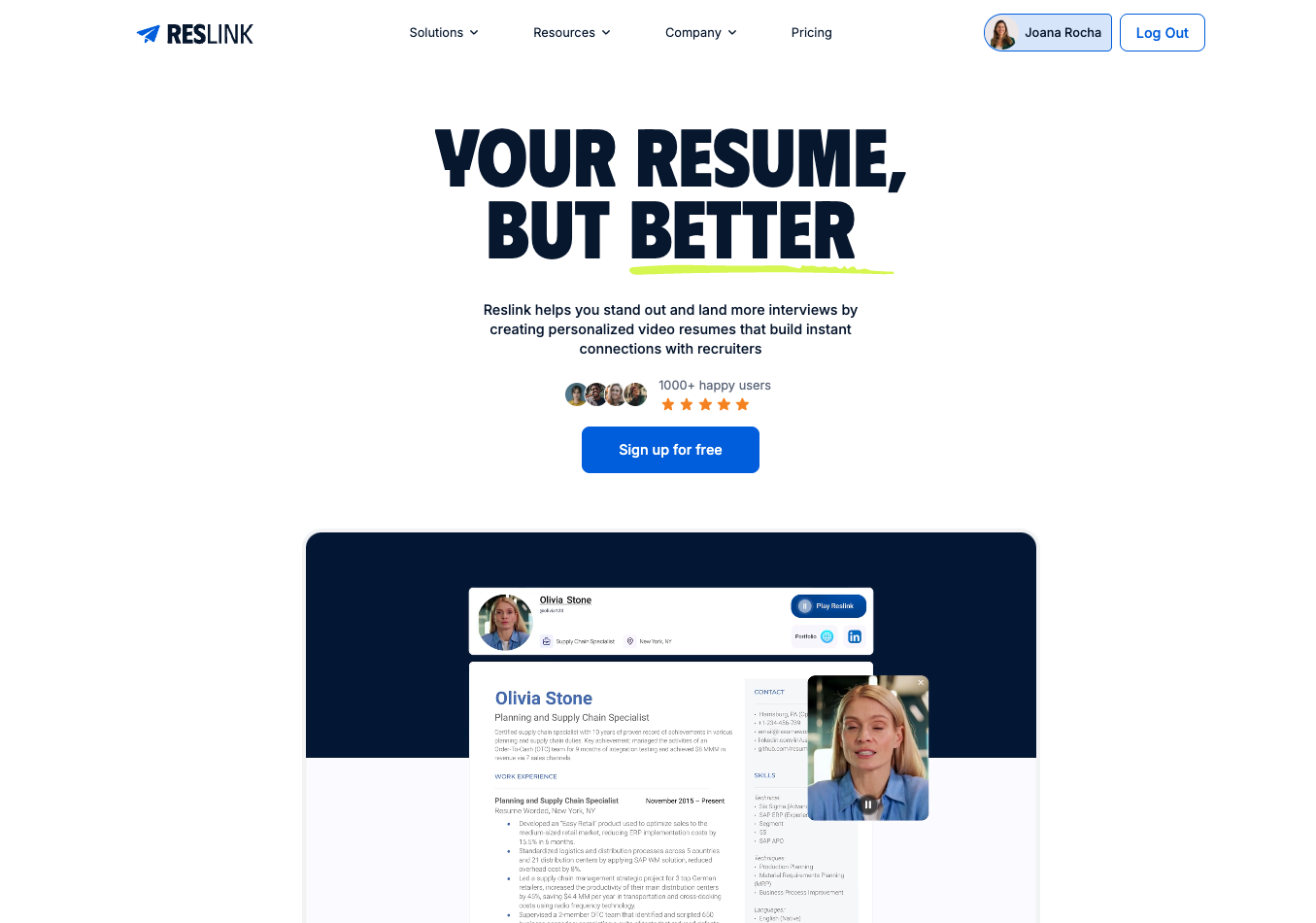
Reslink makes it easy to create a video resume that highlights your communication skills, personality, and confidence - the qualities that text alone can’t convey. Instead of being just another resume in a stack of 250+, your Reslink video helps you stand out.
You can record a short, polished pitch, share it through a simple link, and use it not just for applications but also for networking on LinkedIn. Sending a recruiter or hiring manager your Reslink video alongside your resume instantly makes you more memorable - and more human.
Key Use Cases
Early-career job seekers who may not have much work experience but want to show motivation and personality.
Sales, marketing, consulting, and other client-facing roles where communication skills are as important as technical qualifications.
Networking directly on LinkedIn by sharing a Reslink video with recruiters and hiring managers instead of relying only on a written resume.
Strengths
Showcases soft skills like communication, confidence, and presence.
Easy to share via link - works for both applications and networking.
Includes in-app teleprompter, editing tools, and engagement insights.
Pairs perfectly with your resume for a stronger, more memorable application.
Limitations
Some industries (law, finance, accounting) may still prefer a traditional written resume only.
Requires comfort on camera; not everyone feels confident recording themselves.
Adds a bit of extra time compared to sending just a resume.
Best used as a complement, not a replacement.
Website: https://reslink.io/
👉 Pro tip: Don’t treat your resume as a “set it and forget it” document. Use these tools to tailor it for every job, and complement it with a video resume when you want to make a stronger impression.
Top Job Search Tools for Finding the Right Jobs
1. Google Job Search
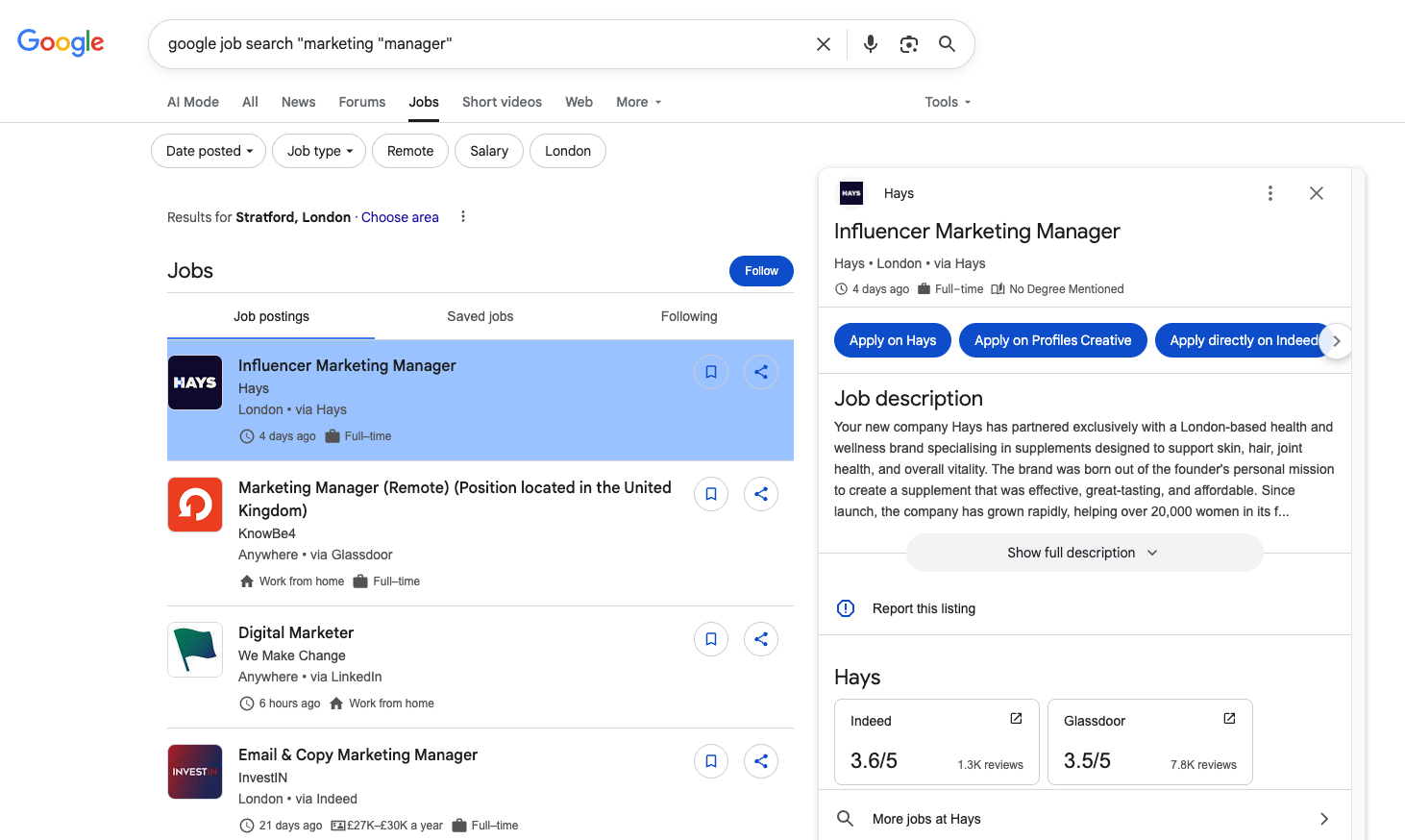
Not a lot of people know this, but Google has its own job board. Think of Google Job Search as the Google Maps of the job hunt. Instead of bouncing between multiple job boards, you can type your role directly into Google and see listings pulled from dozens of sources - all in one place. The best part? It’s built right into the search engine, so you don’t even need a separate account.
Key Use Cases
Quickly scan jobs across multiple boards without extra logins.
Search the job description for specific keywords, like “visa sponsorship”.
Track freshness of postings - Google highlights when listings were last updated.
Strengths
Aggregates jobs from dozens of platforms into one feed.
Easy filters for salary, location, industry, and remote roles.
No account required - you can apply straight from Google.
Limitations
Doesn’t specialize in niche or startup jobs.
Missing advanced networking features found on other boards.
Website: Link here.
2. Built In
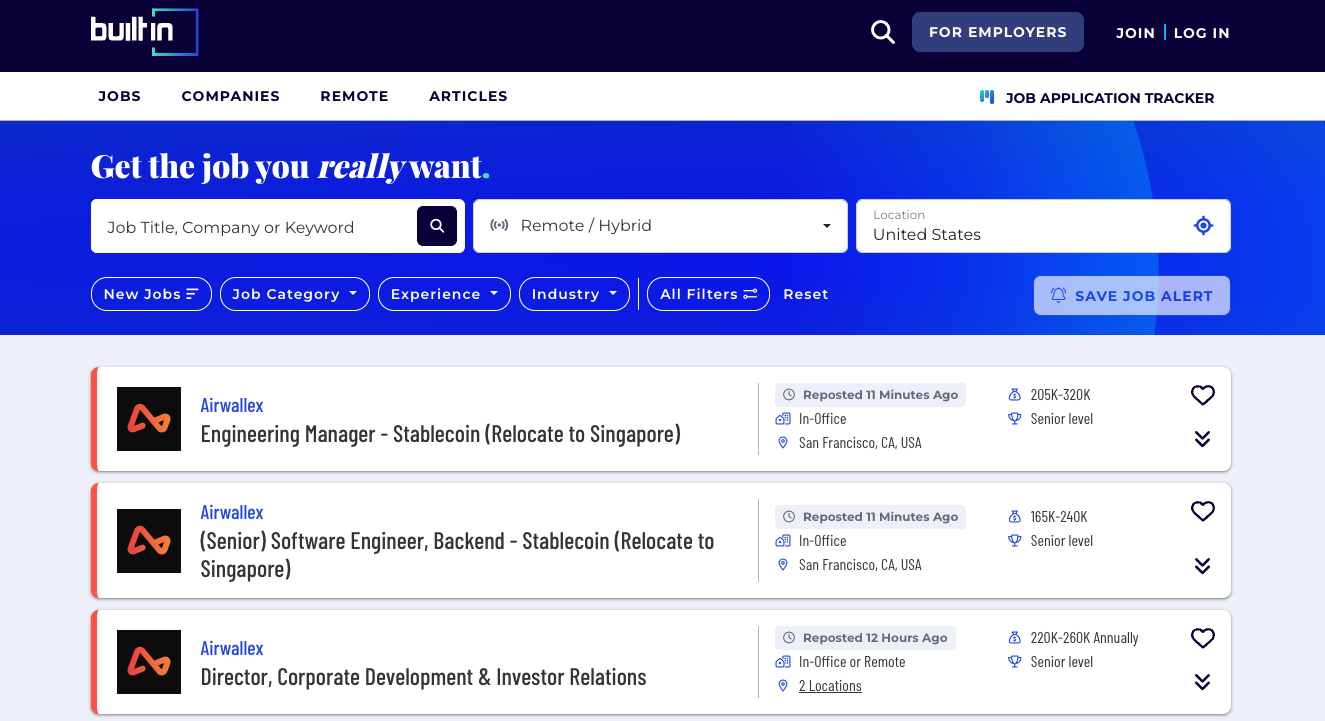
If you’re job hunting in tech hubs like New York, San Francisco, Austin, or Chicago, chances are the best roles won’t be on LinkedIn first - they’ll be on Built In. More than just a job board, Built In is part tech job marketplace, part community hub. It gives you curated postings, plus insights into salaries, company culture, and benefits before you hit “apply.”
Key Use Cases
Ideal for tech professionals in US cities who want local, high-growth opportunities.
Great for comparing company culture and perks side by side.
Perfect for roles in product, engineering, marketing, and design.
Strengths
Combines job listings with culture, salary, and benefits insights.
Focused on major US hubs like NYC, SF, Austin, Chicago.
Helps you evaluate company fit before applying.
Limitations
Limited to tech and digital-focused industries.
Not as useful if you’re searching remote-only roles outside these cities.
Smaller reach than LinkedIn or Indeed.
Website: https://builtin.com/jobs
3. Remote.com
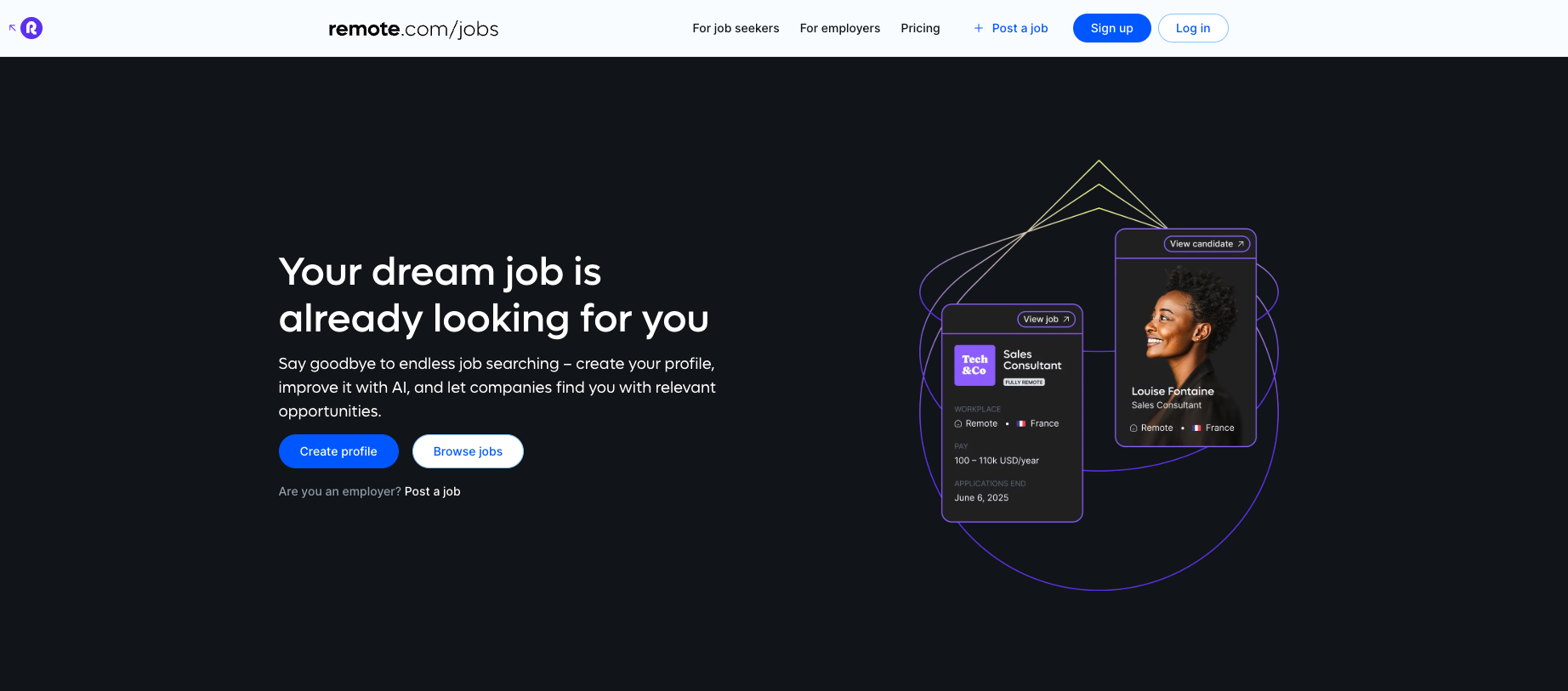
If you’ve ever filtered “remote” on LinkedIn and realized half the roles aren’t truly remote, you’ll appreciate Remote.com. This platform is built for remote-first companies, meaning the jobs are designed for distributed teams - not just temporarily remote. You’ll find roles in marketing, customer success, design, and engineering, many from US-based companies that hire globally.
Key Use Cases
Perfect for US job seekers who want fully remote jobs without relocation.
Best for digital-first industries like SaaS, marketing, and product management.
Ideal if you value flexibility and want companies that already operate async.
Strengths
100% remote-first roles - no bait-and-switch.
Covers multiple industries, not just tech.
Great fit for job seekers prioritizing flexibility + work-life balance.
Limitations
Smaller pool of jobs compared to LinkedIn/Indeed.
Some postings skew international vs US-focused.
Doesn’t always include traditional corporate benefits info.
Webiste: www.remote.com
4. HigherEdJobs
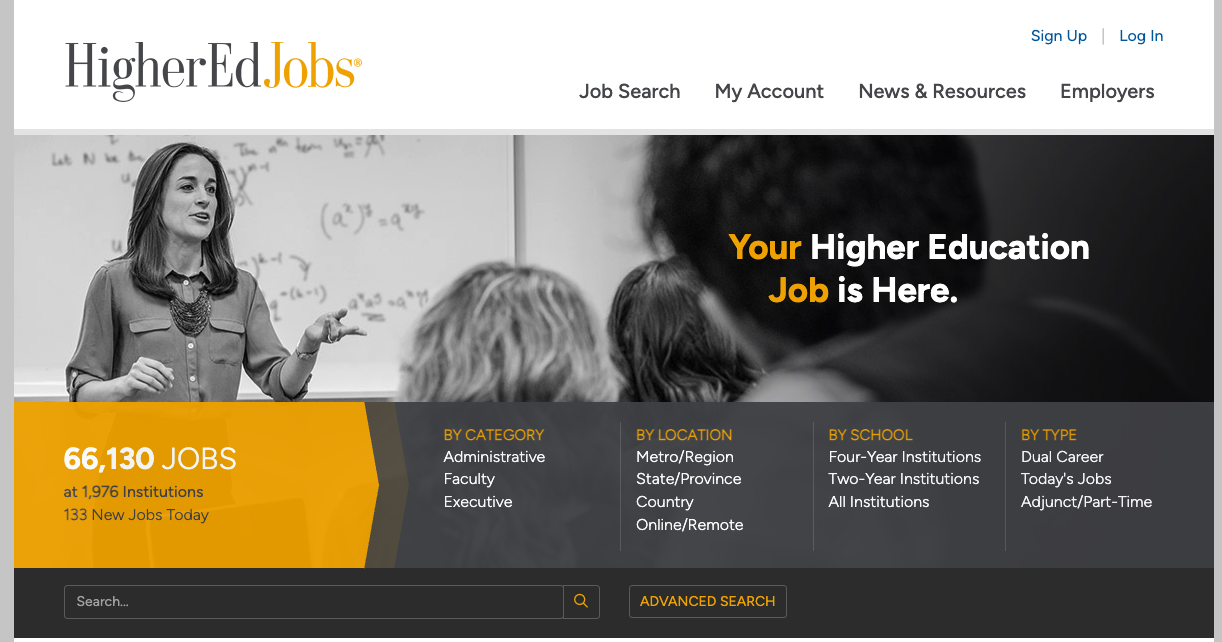
If you’re aiming for a career in academia or education, LinkedIn won’t cut it. HigherEdJobs is the go-to board for faculty, administrative, and executive roles across US colleges and universities. It’s widely used by hiring committees, which means the jobs you see here are often exclusive to the platform.
Key Use Cases
Ideal for professors, lecturers, researchers, and higher-ed administrators.
Covers both tenure-track faculty and professional staff positions.
Great for US job seekers who want campus-based roles across the country.
Strengths
Education-specific with thousands of exclusive postings.
Trusted by US colleges + universities nationwide.
Covers faculty, staff, and executive-level roles.
Limitations
Narrow focus - only for higher education roles.
Application processes can be long and formal.
Limited outside the academic/education sector.
Website: https://www.higheredjobs.com/admin/
5. Management Consulted Job Board
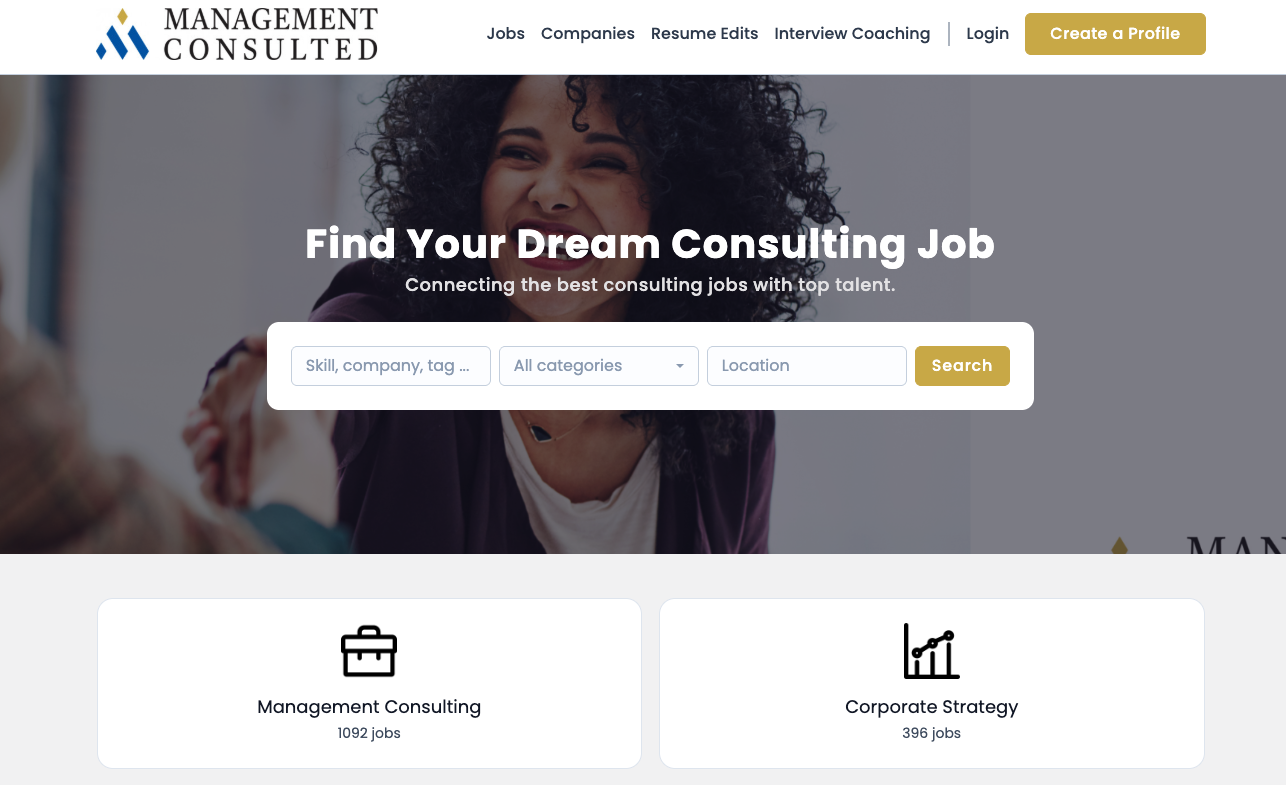
If you're eyeing a career in consulting - especially at top-tier firms like BCG, McKinsey, or Bain - Management Consulted’s Job Board is a seriously underrated gem. It doesn’t just scatter listings in a sea of irrelevant jobs - it's a curated hub focused on consulting and corporate strategy roles, making your job search way more efficient.
Best of all, it’s packed with roles across all experience levels - from internships to senior strategy posts - right here in the U.S.
Key Use Cases
Ideal for candidates targeting management consulting or corporate strategy roles, including internships and senior-level positions.
Great for those who want a single, specialized platform that cuts through the noise.
Super useful if you're looking to be discovered - employers often search candidate profiles directly on the platform.
Strengths
Curated listings in consulting + strategy - no irrelevant jobs.
Employers can access your profile - opens up reverse networking.
U.S. and global roles available for consulting pros.
Limitations
Narrow focus: limited if you want roles outside consulting.
Requires creating a profile to access full features.
Less well-known than mainstream boards like Indeed or LinkedIn.
Website: https://jobs.managementconsulted.com/
Top Job Search Tools for Interview Preparation
1. Google Interview Warmup
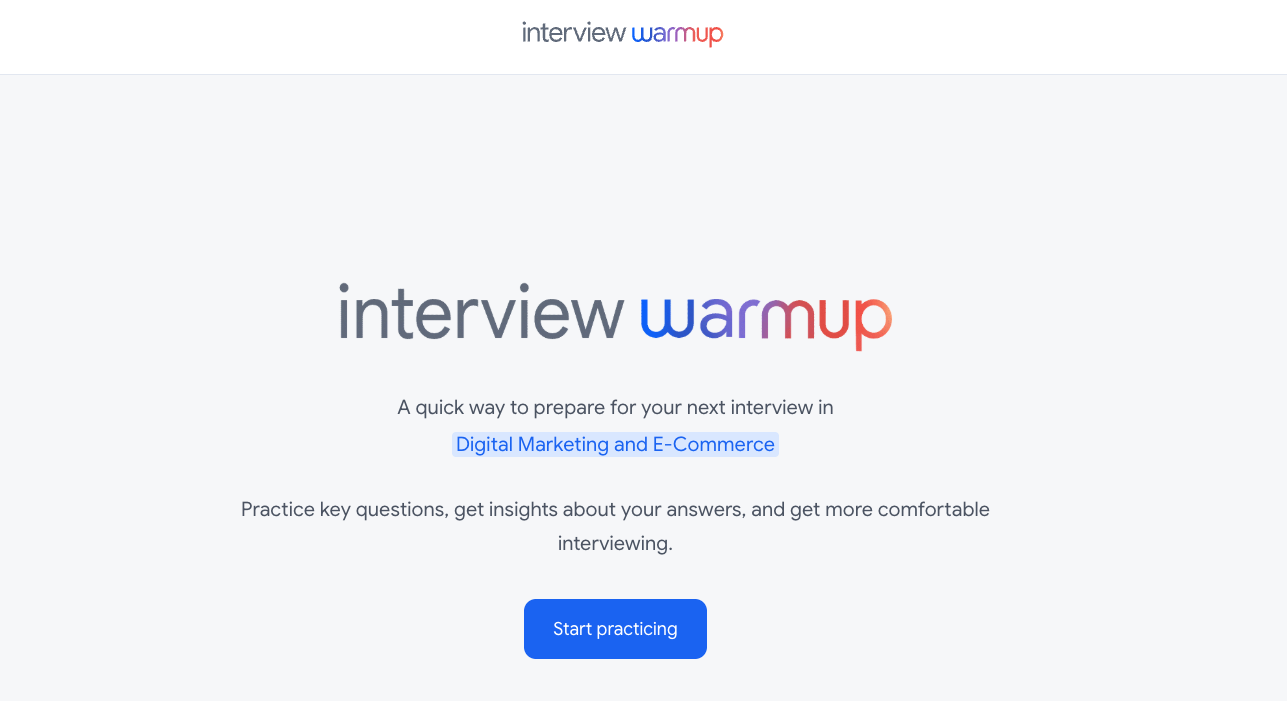
Most people don’t realize Google built a free tool to help job seekers practice interviews: Google Interview Warmup. It uses AI to simulate common interview questions, listens to your answers, and gives you instant feedback on things like word choice, filler words, and relevance.
Key Use Cases
Great for practicing behavioral questions (“Tell me about a time…”) in a safe space.
Identify patterns in your responses so you can refine your storytelling.
Perfect for job seekers nervous about video interviews - it helps you rehearse on camera.
Strengths
Free and easy-to-use AI interview practice tool.
Helps you spot overused words + filler language.
Builds confidence for behavioral and technical interviews.
Limitations
Limited to text/voice feedback - no live coaching.
Doesn’t fully simulate a real recruiter’s follow-ups.
Still better as prep - not a replacement for mock interviews.
Website: https://www.cloudskillsboost.google/interview_warmup/category
2. Perplexity AI
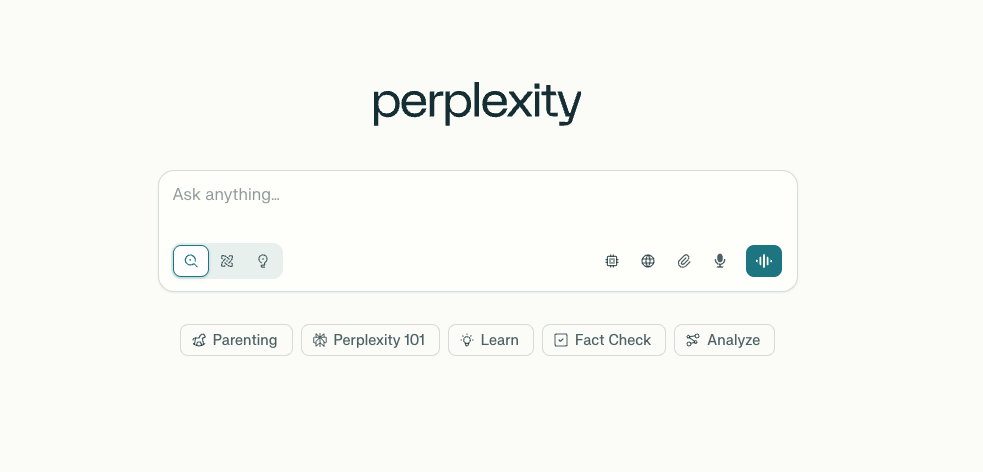
When it comes to interview prep, research is half the battle. Instead of spending hours Googling a company, role, or industry, you can use Perplexity AI to get a curated, cited summary in seconds. Think of it as your research assistant that helps you walk into interviews prepared with insights that other candidates will miss.
Key Use Cases
Researching a company’s latest news, financials, or industry trends before an interview.
Preparing smart, tailored questions to ask recruiters or hiring managers.
Saving time on prep while still looking polished and informed.
Strengths
Gives quick, cited answers (with sources).
Saves hours of company/industry research.
Helps you stand out by asking sharper, more informed questions.
Limitations
Can occasionally miss niche details - best to cross-check.
Requires clear prompts for the best results.
Works best as a supplement, not your only research method.
Website: https://www.perplexity.ai/
Wrapping It Up: Building Your 2025 Job Search Toolkit
The job search has changed. A standard resume and a quick LinkedIn scroll are no longer enough - not in today’s competitive job market. The good news? With the right job search tools, you can save time, stand out, and approach your applications more strategically.
The key isn’t to use every tool out there - it’s to pick the right mix that fits your industry, career stage, and goals. By combining a polished resume, smart applications, and better prep, you’ll stand out to recruiters, hiring managers, and potential employers.
👉 Ready to take it one step further? With Reslink, you can create a video resume that pairs perfectly with your written one - helping you showcase your communication skills, confidence, and personality in a way that text can’t. Whether you’re applying directly or networking on LinkedIn, it’s a simple way to leave a lasting impression.
FAQ: Job Search Tools in 2025 (US Market)
1. What are the best job search tools in 2025?
The best job search tools depend on what stage you’re at. If you’re creating your resume, Jobscan is excellent for tailoring your CV to specific job descriptions, while Reslink lets you build a video resume that showcases your personality and communication skills. For applications, Google Job Search aggregates listings from dozens of job boards in one place, making it easier to see opportunities you might have missed. For prep, tools like Perplexity AI and Google Interview Warmup can help you research companies and practice interview questions. The real trick is combining a few of these tools into a system, so you’re not just applying more, but applying smarter.
2. Are job boards like LinkedIn and Indeed still worth using?
Yes - but they’re incredibly saturated. Millions of job seekers rely on LinkedIn and Indeed, which means the competition is fierce. If you only apply through these platforms, your application could get buried. That’s why it’s smart to add niche job boards into your job search toolkit. For example, Wellfound focuses on startups, Built In is tailored for tech roles, and HigherEdJobs lists opportunities in academia. These niche sites often have fewer applicants, which means a higher chance your resume (or video resume) will actually get seen by a recruiter.
3. Do I really need a video resume?
Not for every job, but in a competitive job market it can be a game-changer. A video resume helps you stand out when text alone doesn’t do you justice - especially in client-facing roles like sales, consulting, and marketing, or if you’re early in your career with limited work experience. With tools like Reslink, you can create a short, polished video pitch that complements your written resume. It’s also an amazing networking tool - you can share it directly with recruiters and hiring managers on LinkedIn, making you far more memorable than a standard connection request.
4. Which job search tools are best for remote work?
If you’re aiming for remote roles, Remote.com is one of the best places to start. It focuses on remote-first companies across the US and globally, which saves you from sifting through irrelevant postings. You can also use Google Job Search, which has filters for remote jobs built right in. For more niche options, FlexJobs (paid) is also known for remote-friendly listings. Using these specialized tools ensures you’re not wasting time on roles that require relocation or hybrid schedules if that’s not what you want.
5. How do I optimize my resume for ATS systems?
Applicant Tracking Systems (ATS) scan resumes before a human ever sees them. Tools like Jobscan are designed to solve this problem by comparing your resume against a specific job description and showing you how closely they match. It highlights missing keywords, skills, and phrasing so you can adjust before applying. This is crucial in 2025, where 99% of Fortune 500 companies use ATS software. Pairing a strong written resume with a video resume on Reslink ensures you can beat both the bots and make a lasting impression on human recruiters.
6. What tools help with interview preparation?
Two of the best are Google Interview Warmup and Perplexity AI. Google Interview Warmup uses AI to simulate common interview questions and gives you instant feedback on your answers, making it perfect for practicing communication skills. Perplexity AI, on the other hand, is like having a research assistant - it pulls the latest, most relevant information about a company, industry, or role so you can walk into an interview prepared with smart, tailored questions. Together, they save you hours of prep and give you the confidence to stand out in interviews.
7. Which job search tools are free to use?
Plenty. Google Job Search, Reslink (basic video resume builder), Google Interview Warmup, and Perplexity AI are all free. Jobscan offers a free version with limited resume scans, and tools like Built In or Wellfound don’t charge job seekers at all. Paid versions exist for more advanced features (like Jobscan’s unlimited scans), but you can get a lot of value without spending a dollar. This makes it easy to start optimizing your job search without adding extra financial stress.
8. What’s the biggest mistake job seekers make with tools?
The biggest mistake is relying on just one tool. For example, only applying through Indeed, or only editing your resume in Word. Successful job seekers combine multiple tools to cover the full job search process: Jobscan for tailoring applications, Reslink for showcasing personality, Google Job Search for broad visibility, and Perplexity AI for interview prep. This mix ensures you’re not just applying to more jobs, but actually increasing your chances of landing interviews - and ultimately, your dream job.