

The way job seekers present themselves has changed dramatically in recent years. While the traditional resume is still the foundation of every application, more candidates are now turning to a video resume - a short video where you introduce yourself, highlight your skills, and explain why you’re a strong fit for a role.
Why? Because in a competitive job market, a written document alone can make it hard to stand out. Recruiters skim through hundreds of resumes at a time, often making decisions in seconds. A video CV adds another layer: it lets you demonstrate your communication skills, confidence, and personality in ways text simply can’t.
But here’s the challenge - creating a professional video resume requires the right tools. Do you use a video maker like Loom for something quick and simple? Do you edit with platforms like VEED.IO to add polish and branding? Or do you choose a purpose-built option like Reslink, designed specifically for job seekers and recruiters?
In this blog, we’ll break down the best video resume tools in 2025, with pros and cons for each. You’ll see how they compare, which tool fits your needs, and how to use them to land more interviews and move closer to your dream job.
Why Video Resumes Matter in Today’s Job Market
Recruiters are overwhelmed. On average, a single job posting can receive 250+ applications, and most resumes get fewer than 7 seconds of attention before a decision is made. That means even a great resume can be overlooked simply because it looks like every other one in the stack.
This is where the video resume comes in. A short video (usually 60–90 seconds) helps you:
Show personality, not just experience - Your written resume lists your work experience and achievements, but video lets recruiters see your energy, communication skills, and confidence.
Make a lasting impression - Instead of being one of many, a compelling video resume helps you become the candidate they actually remember.
Adapt to changing hiring trends - More employers and prospective employers are open to video content in applications, especially in industries like marketing, sales, customer success, and creative roles.
Humanize the application - A short video clip attached to a resume template transforms you from “just another applicant” into a real person who feels like a potential colleague.
Of course, a video CV doesn’t replace your traditional resume. You still need an ATS-friendly document that highlights your relevant skills and achievements. Instead, think of a professional video resume as the complement that turns an application from static text into a memorable introduction.
👉 Up next, we’ll break down the best video resume tools in 2025 - including Loom, VEED.IO, and Reslink - and compare their strengths, weaknesses, and unique features so you can choose the one that helps you land your dream job.
The 3 Best Video Resume Tools
Not all tools are built for job seekers. Some are designed for general video content or editing, while others are created specifically to help you stand out with a professional video resume.
Here are the top options worth exploring:
1. Loom
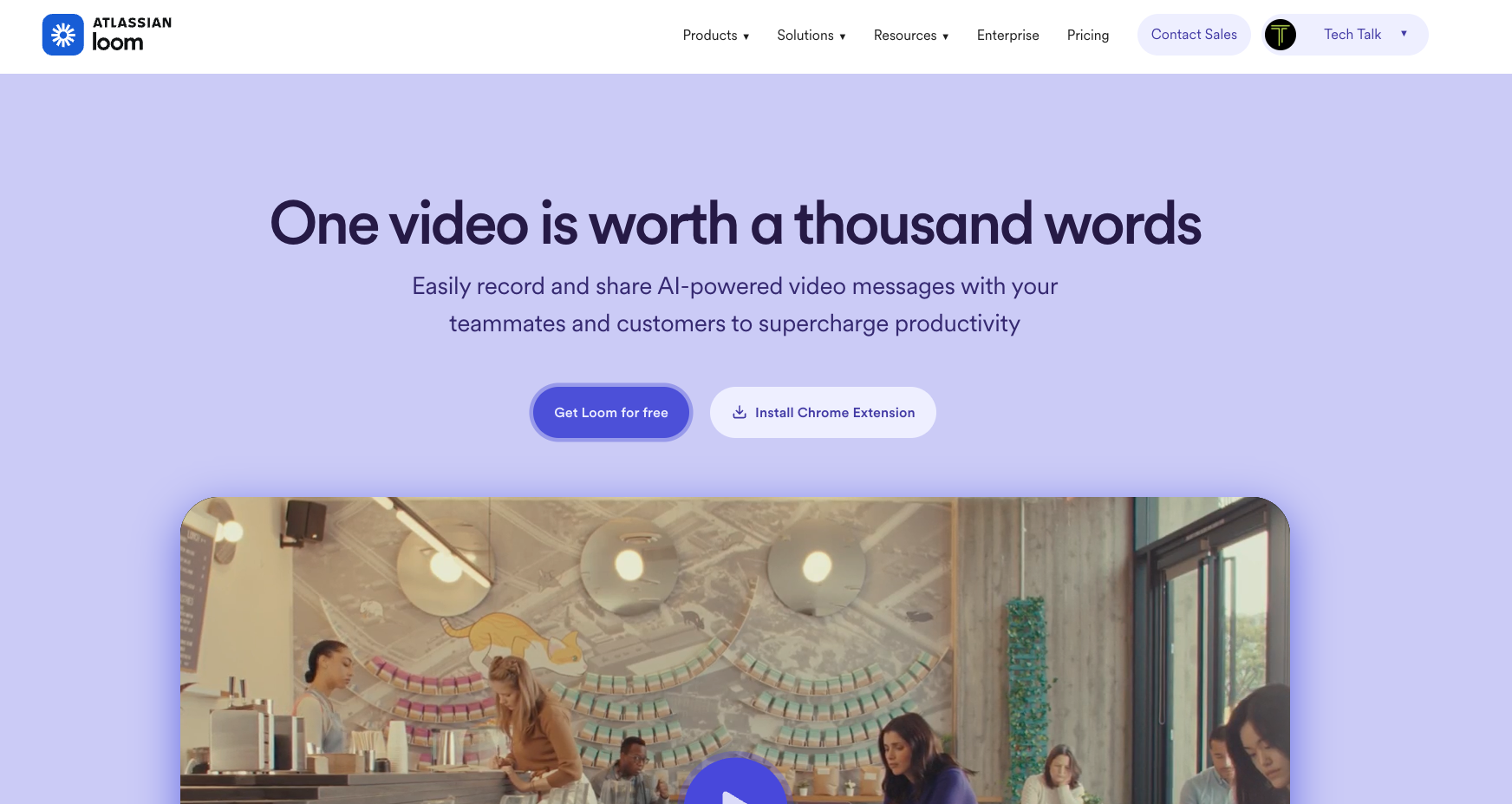
Loom is a well-known video maker used by professionals for presentations, tutorials, and team updates. While it wasn’t built specifically for job seekers, it can double as a video resume tool if you’re looking for a fast, no-frills way to introduce yourself. You simply hit record, talk through your pitch, and share a link with your potential employer.
✅ Pros:
Fast and easy to use: You can start recording in just a couple of clicks - no editing experience required.
Free plan available: Includes up to 25 videos per person, each capped at 5 minutes, which is plenty for most short video resumes.
Screen + webcam recording: Useful if you want to showcase technical skills (e.g., walking through a project, showing software you’ve used).
Instant share links: Copy and paste a link directly into your job application or connection request on LinkedIn.
❌ Cons:
No resume upload option: You’ll need to send your written resume separately, since Loom doesn’t let you combine them into one package.
Not designed for resumes: You’ll need to write your own script, record without a teleprompter, and format everything manually.
Limited branding & editing: The free version includes Loom branding and basic editing only. To remove branding, add custom thumbnails, or access unlimited recordings, you’ll need the Business plan (~$15–18/month).
No ATS alignment: Unlike a written or professional resume, Loom doesn’t help with keyword optimization or structuring your pitch in a recruiter-friendly way.
💡 Best use case: Loom is fine if you want a quick intro video or to show a specific technical skill. But if you want to send a compelling video resume that combines your CV and gives recruiters one simple link to review, Loom might not be the best option for you.
Website: https://loom.com
2. VEED.IO
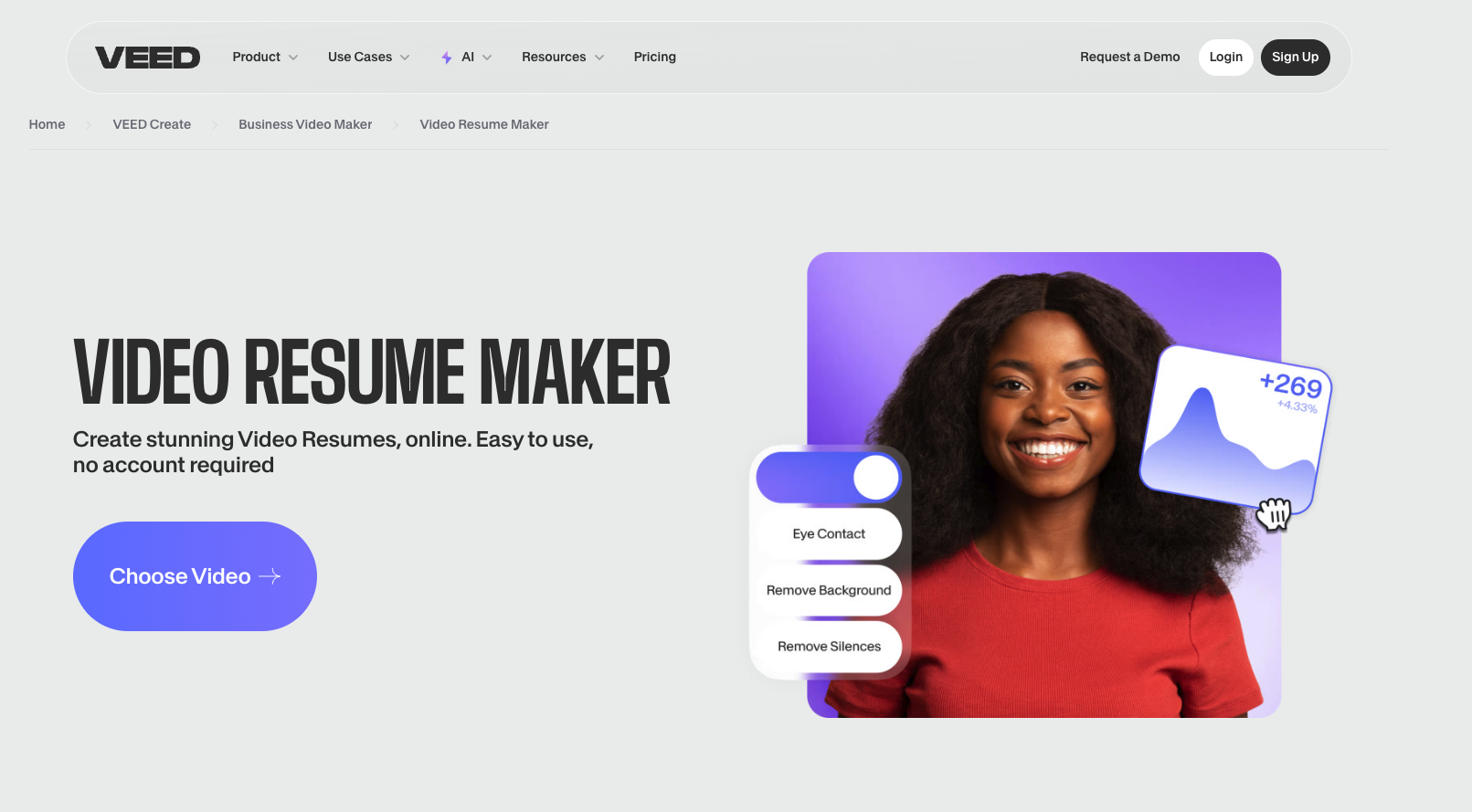
VEED.IO is an online video editor built for creators, marketers, and professionals who want more control over their video content. Unlike Loom, VEED.IO isn’t just about quick recording - it’s about turning your recording into a professional video resume with editing, subtitles, branding, and motion graphics.
✅ Pros:
Professional editing tools: Add subtitles, captions, background music, transitions, and even motion graphics to make your resume stand out.
Templates & customization: Start from a video resume template or build your own style, so your final video feels polished.
Works in-browser: No need to download complex video editing software.
Good for creatives & visual roles: If you’re in marketing, design, or content, VEED.IO helps show off your creativity.
❌ Cons:
Learning curve: More advanced than Loom - you’ll need time to edit properly.
No resume integration: Like Loom, you can’t attach your written resume directly to the video. You’ll need to send them separately.
Limited free plan: Free version has watermarks. Paid plans start at $18/month, and the Pro plan ($30/month) is often needed for exporting in HD without limits.
No recruiter insights: You won’t know if a prospective employer actually viewed your video.
💡 Best use case: VEED.IO is great if you want a polished, visually creative video resume to showcase not just what you say, but how you present yourself with branding and editing. However, because it doesn’t combine your resume + video into one package or track recruiter engagement, it works best if you want to share your portfolio.
Website: https://www.veed.io
3. Reslink
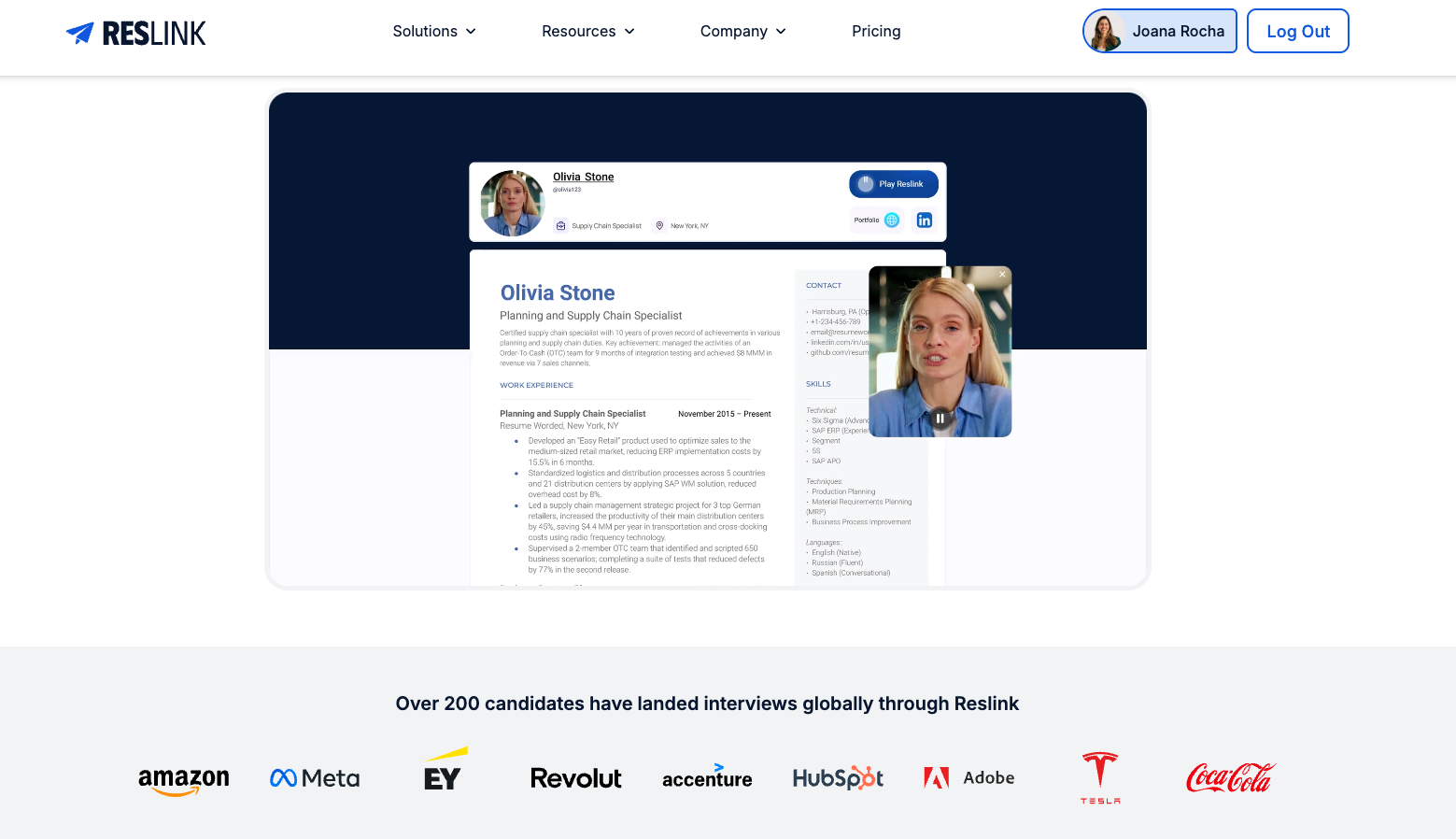
Reslink is built specifically for job seekers - unlike Loom or VEED.IO, which were made for general video recording or editing. It lets you create a professional video resume, attach your written resume, and share it with recruiters in one secure link. That means instead of juggling multiple files, you send a single Reslink that highlights both your skills on paper and your personality on video.
✅ Pros:
Resume + video in one link: No need to send separate files - your recruiter sees your full profile in one place.
Built-in teleprompter: Stay natural on camera by following your script without looking down.
PitchAI Script Writer: Generates a clear, role-specific script based on the job description.
Engagement insights: Track if/when recruiters watched your video, how long, and where they dropped off.
Easy sharing: Add your Reslink to job applications, emails, or LinkedIn connection requests.
Free to start: Includes core features at no cost, with affordable upgrades if you want advanced analytics or unlimited links.
❌ Cons:
Less advanced editing: You won’t get the deep editing tools (animations, transitions, etc.) that VEED.IO offers - Reslink is built for simplicity and speed.
Best for applications, not creative projects: If you’re producing long-form content or polished marketing videos, VEED.IO may fit better.
💡 Best use case: Reslink is ideal for job seekers who want to maximize their interview chances. It solves the biggest pain points of Loom (no resume integration) and VEED.IO (no insights, separate files) by making the recruiter’s life easier. If your goal is to get interviews faster, this is the tool designed for you.
Website: https://reslink.io
How to Create a Standout Video Resume
A video resume is more than just hitting “record” and talking about yourself — it’s about telling a short, clear, and engaging story that shows recruiters who you are and why you’re the right fit. Whether you’re using Loom, VEED.IO, or Reslink, the structure matters more than the tool.
Here’s a proven framework to follow:
Step 1: Plan Your Script
Keep it between 60–90 seconds (that’s 150–200 words max).
Structure it like this:
Intro (10–15s): Who you are + your job title/field.
Body (40–60s): 2–3 key skills, achievements, or experiences that make you a great fit.
Closing (10–15s): Express enthusiasm + clear call to action (e.g., “I’d love to connect about how I can bring value to your team”).
💡 Tip: If you struggle with writing scripts, tools like Reslink’s PitchAI can auto-generate a polished draft tailored to your role.
Step 2: Record with Confidence
Find a quiet, well-lit space with a simple background.
Dress professionally (similar to what you’d wear in an interview).
Keep eye contact with the camera (use a teleprompter if you need).
Smile and show energy recruiters want to see genuine interest.
Step 3: Edit (Only If Needed)
Keep editing simple - trim awkward pauses or background noise.
Add subtitles if possible (VEED.IO can do this easily).
Don’t overcomplicate with heavy graphics - short and authentic works best.
Step 4: Share Smartly
Attach the video with your resume (Reslink makes this seamless).
Drop the link into LinkedIn messages or emails when reaching out to recruiters.
Track engagement (if using a tool that supports it) to see who’s actually watching.
👉 Remember: A great video resume complements your written resume. Your paper resume shows what you’ve done; your video resume shows who you are.
Example Script for a Video Resume (60–90 seconds)
Intro (10–15s) “Hi, my name is [Your Name], and I’m a [Job Title] with [X years] of experience in [industry/skill area]. I’m passionate about [specific area related to the role, e.g., digital marketing strategy or customer success].”
Body (40–60s)
“In my most recent role at [Company], I [insert key achievement, e.g., ‘led a campaign that increased qualified leads by 35%’ or ‘managed a customer support team that improved satisfaction scores from 82% to 95%’]. I bring strong skills in [list 2–3 relevant skills - e.g., project management, data analysis, and stakeholder communication], and I’m confident in my ability to [insert value you’d add to the company, e.g., ‘drive measurable growth’ or ‘deliver excellent client experiences’].”
Closing (10–15s) “I’d be excited to bring my experience and energy to [Company Name], and I’d love to connect to discuss how I could contribute to your team. Thank you for watching.”
Beyond Video Resumes: Integrating Into Your Job Search Strategy
A great video resume isn’t a magic bullet. It works best when it’s part of a bigger, intentional job search strategy. Think of it as one powerful tool in your toolkit - alongside your written resume, networking efforts, and interview prep.
Here’s how to integrate video resumes into your overall job hunt:
1. Pair it with a strong written resume
Recruiters still need to see your qualifications laid out clearly. Your traditional resume gets you through the ATS, while your video resume brings your application to life. Always send both together.
2. Use it in networking outreach
One of the strongest uses of a video resume is on LinkedIn. Instead of a plain connection request, add your video link with a short personalized note. It shows effort, personality, and confidence - making your outreach stand out from the dozens of generic requests recruiters receive every day.
3. Attach it in applications where possible
Some job boards (like LinkedIn or Wellfound) allow you to upload links or media. Including your resume video can immediately differentiate you in a competitive stack.
4. Reuse it for multiple touchpoints
Don’t limit your video resume to applications alone. Add it to your LinkedIn profile, pin it in your featured section, or share it when networking with industry peers. The more exposure, the higher the chance it gets in front of a potential employer.
5. Combine it with personal branding
A video resume is a natural fit with your personal brand. You can adapt the same style and tone across your LinkedIn posts, portfolio, and even during interviews. This consistency helps employers see you as polished, authentic, and intentional.
👉 Bottom line: A compelling video resume will open doors - but only if you integrate it into a broader job search approach. Think of it as your elevator pitch on video, ready to use at every step of your career journey.
Choosing the Best Video Resume Tool for Your Job Search
Video resumes aren’t replacing the written resume - but they’re quickly becoming one of the best ways to stand out in a competitive job market. The right tool makes all the difference.
Loom is great for quick, no-frills video clips but lacks resume-focused features.
VEED.IO gives you editing power and polished production, though it requires more effort and design know-how.
Reslink was built specifically for job seekers, making it the best video resume tool if you want something streamlined, professional, and designed to get results.
Whichever option you choose, remember: a great video resume complements your traditional resume. It showcases your communication skills, confidence, and personality - things that rarely come across on paper.
If you’re serious about landing interviews faster, test out one of these tools, experiment with your pitch, and start sending video resumes alongside your applications. A short, well-crafted resume video could be the difference between getting overlooked and getting hired.
How Reslink Can Help You Create a Great Video Resume
Creating a video resume can feel overwhelming - from writing a script to filming and editing. Reslink makes it simple, streamlined, and free.
Here’s how we help every job seeker:
✅ Tailored Resumes: Create multiple versions for different job applications, each focused on the most relevant skills and experience.
✅ Easy Sharing: Get a secure link you can drop into applications, emails, or send directly to recruiters on LinkedIn.
✅ Built-In Teleprompter: Follow your script while keeping eye contact with the camera, so you sound natural and confident.
✅ PitchAI Script Writer: Generate a clear, professional script tailored to your role and job description.
✅ Engagement Insights: See how recruiters interact with your video - who watched it, where they dropped off, and what kept their attention.
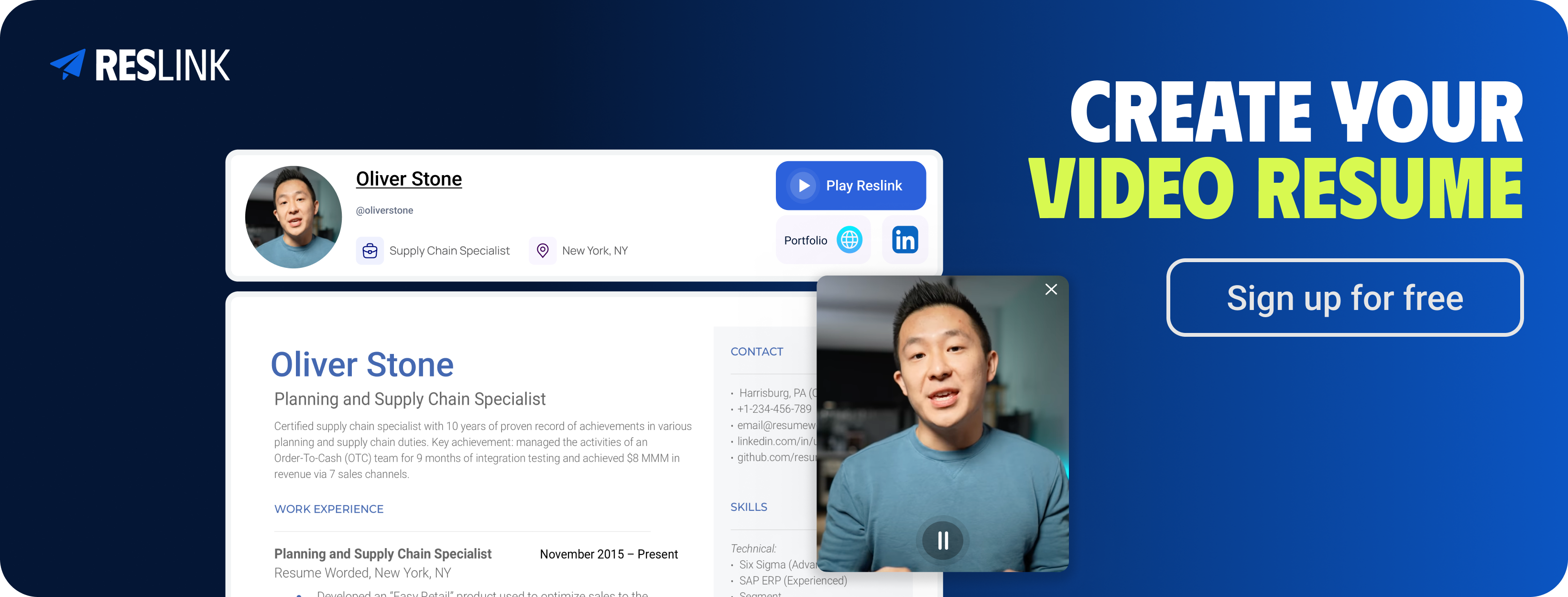
👉 Sign up free today and start building your personalized video resume with Reslink. Pair it with your traditional written resume to stand out, connect with recruiters, and get closer to your dream job.
FAQs (Frequently asked questions)
1. Do employers actually like video resumes?
Yes - when done right. Employers and recruiters value video resumes because they quickly show communication skills, confidence, and personality. However, they should always complement your written resume, not replace it. Many companies still require a traditional resume for applicant tracking systems (ATS).
2. What should I include in a video resume?
Keep it short (60–90 seconds) and structured:
Introduction (your name, job title, and relevant experience)
2–3 key achievements or skills that prove your value
A confident closing line with a clear call to action (e.g., “I’d love to bring these skills to [Company]”). Check out our guide on writing the perfect video resume script for examples.
3. Which is the best video resume tool?
It depends on your goals:
Loom → best for quick, simple recording.
VEED.IO → best for editing and polished video content.
Reslink → best for job seekers, with resume uploads, teleprompter support, engagement insights, and recruiter-friendly links. If you want something designed specifically for job applications, Reslink is the best video resume tool to try first.
4. Are video resumes free to make?
Yes - many video resume makers offer free plans:
Loom’s free version allows quick clips.
VEED.IO has a basic free plan with limited export options.
Reslink’s free tier lets you create and share professional video resumes instantly. For advanced features like insights or unlimited videos, paid plans start at affordable monthly rates.
5. How long should a video resume be?
Aim for 60–90 seconds. Anything longer risks losing a recruiter’s attention. Keep your points concise, avoid unnecessary details, and focus on relevant skills and achievements.
6. What are common mistakes in video resumes?
Recording videos that are too long.
Reading directly from a script without eye contact.
Poor lighting or background distractions.
Failing to tailor the content to the specific job.
Avoid these pitfalls, and you’ll instantly create a more compelling video resume.
7. Can I use a video resume for every job application?
Yes - but tailor it. Just like a traditional resume, your resume video should highlight relevant skills for the role. The more specific it feels to the job description, the stronger impression it leaves.