In today’s competitive job market, a video resume can set you apart from the crowd. By showcasing your personality, communication skills, and enthusiasm, a video resume offers a dynamic way to present yourself to potential employers. Here’s an in-depth guide on how to create a compelling video resume, focusing on the recording process to ensure your video is polished and professional.
Why Use a Video Resume?
A video resume allows you to:
Highlight Your Personality: Show who you are beyond your written qualifications.
Showcase Communication Skills: Demonstrate your verbal and non-verbal communication abilities.
Stand Out: Make a memorable impression with a unique, engaging format.
Best Practices for Recording a Video Resume
1. Plan Your Content
Script Your Points: Outline what you want to say to stay on track.
Keep It Brief: Aim for 1-2 minutes to maintain attention.
Highlight Key Skills: Focus on your most relevant skills and experiences.
Tip: Start with a brief introduction, discuss your key skills and experiences, and end with a strong closing statement.
2. Set Up Your Recording Space
Choose a Clean Background: Ensure your background is tidy and non-distracting. A plain wall or a well-organized workspace works best.
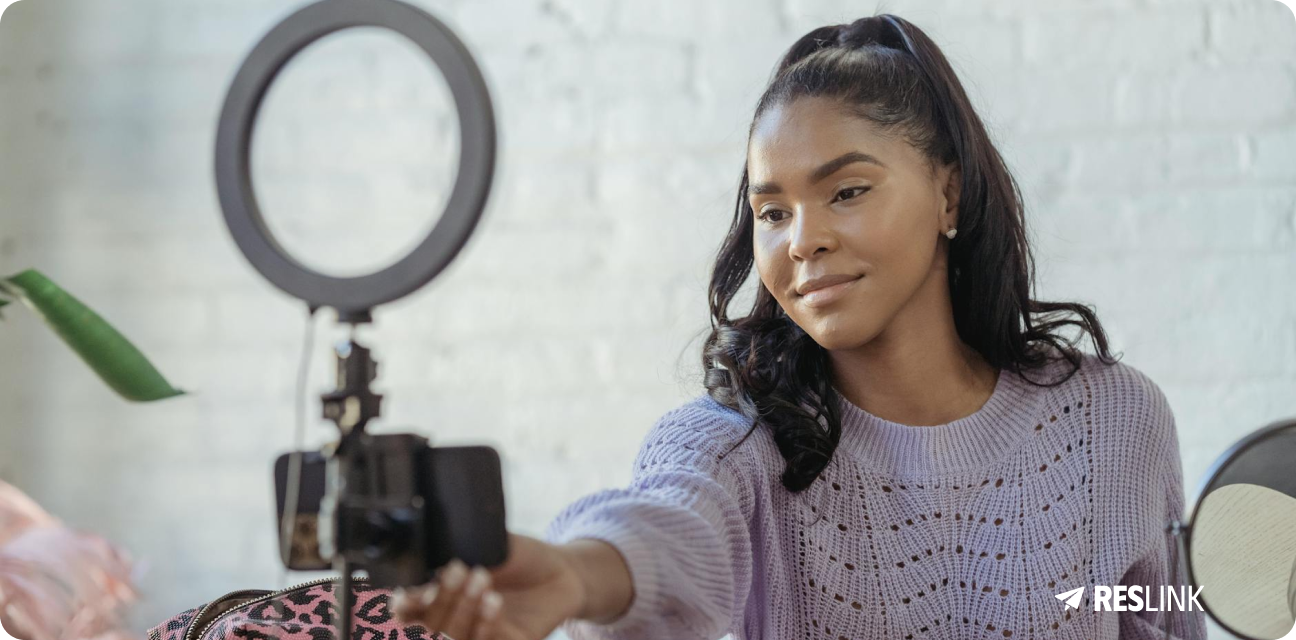
Good Lighting: Make sure your face is well-lit and clearly visible. Natural light is ideal, so position yourself facing a window.
Sound Quality: Use a good microphone to ensure clear audio. Avoid noisy environments.
Tip: Test your setup before recording the final version to ensure everything looks and sounds good.
3. Record in Portrait Mode
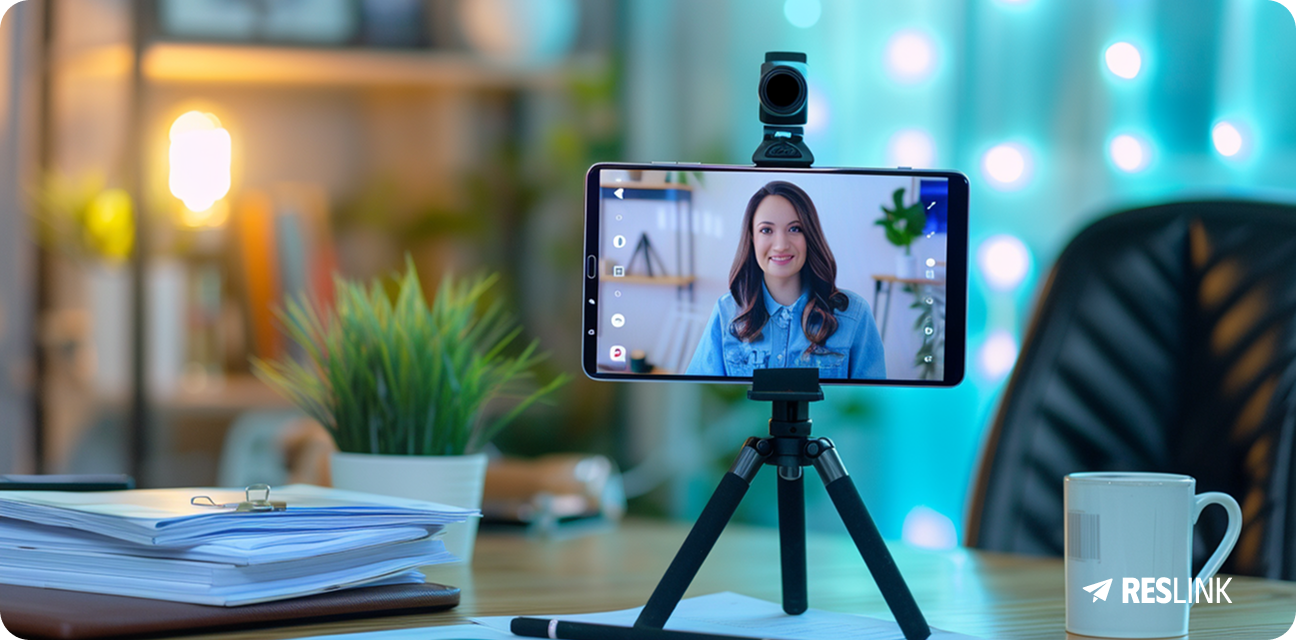
Use a Tripod: Keep your smartphone or camera steady by using a tripod or placing it on a stable surface.
Frame Yourself Properly: Position the camera at eye level and ensure your face and upper body are in the frame.
Maintain Eye Contact: Look directly into the camera to create a connection with the viewer.
Tip: Recording in portrait mode is better for mobile viewing, which is common among recruiters.
4. Be Authentic and Professional
Dress Appropriately: Wear professional attire suitable for the job you are applying for.
Show Enthusiasm: Let your passion for the role and the company come through.
Be Yourself: Authenticity can be more engaging than a perfectly polished performance.
Tip: Smile and maintain a friendly demeanor throughout your video.
5. Edit Carefully
Use Simple Editing Tools: There are many user-friendly editing tools available.
Add Text Overlays: Highlight key points with brief text overlays.
Review and Revise: Ensure there are no mistakes and that the video flows well.
Tip: Keep editing effects minimal and professional. Focus on enhancing your message.
Do’s and Don’ts
Do’s
Do Research: Tailor your video resume to the specific job and company.
Do Practice: Rehearse several times before recording.
Do Be Concise: Keep your message focused and to the point.
Do Smile: A friendly demeanor can make a positive impression.
Tip: Practice makes perfect. Rehearse your script until you’re comfortable and confident.
Don’ts
Don’t Read Directly from a Script: It can sound robotic and unengaging.
Don’t Use Jargon: Avoid using industry-specific terms that may not be widely understood.
Don’t Rush: Speak clearly and at a moderate pace.
Don’t Overdo Effects: Keep editing effects minimal and professional.
Tip: Be natural and conversational. Imagine you’re talking to a person, not a camera.
Final Thoughts
Creating a video resume can significantly boost your job application by making you stand out to potential employers. By following these tips and best practices, you can craft a compelling video resume that highlights your strengths and personality. Remember to be authentic, keep it concise, and present yourself professionally. Happy filming!